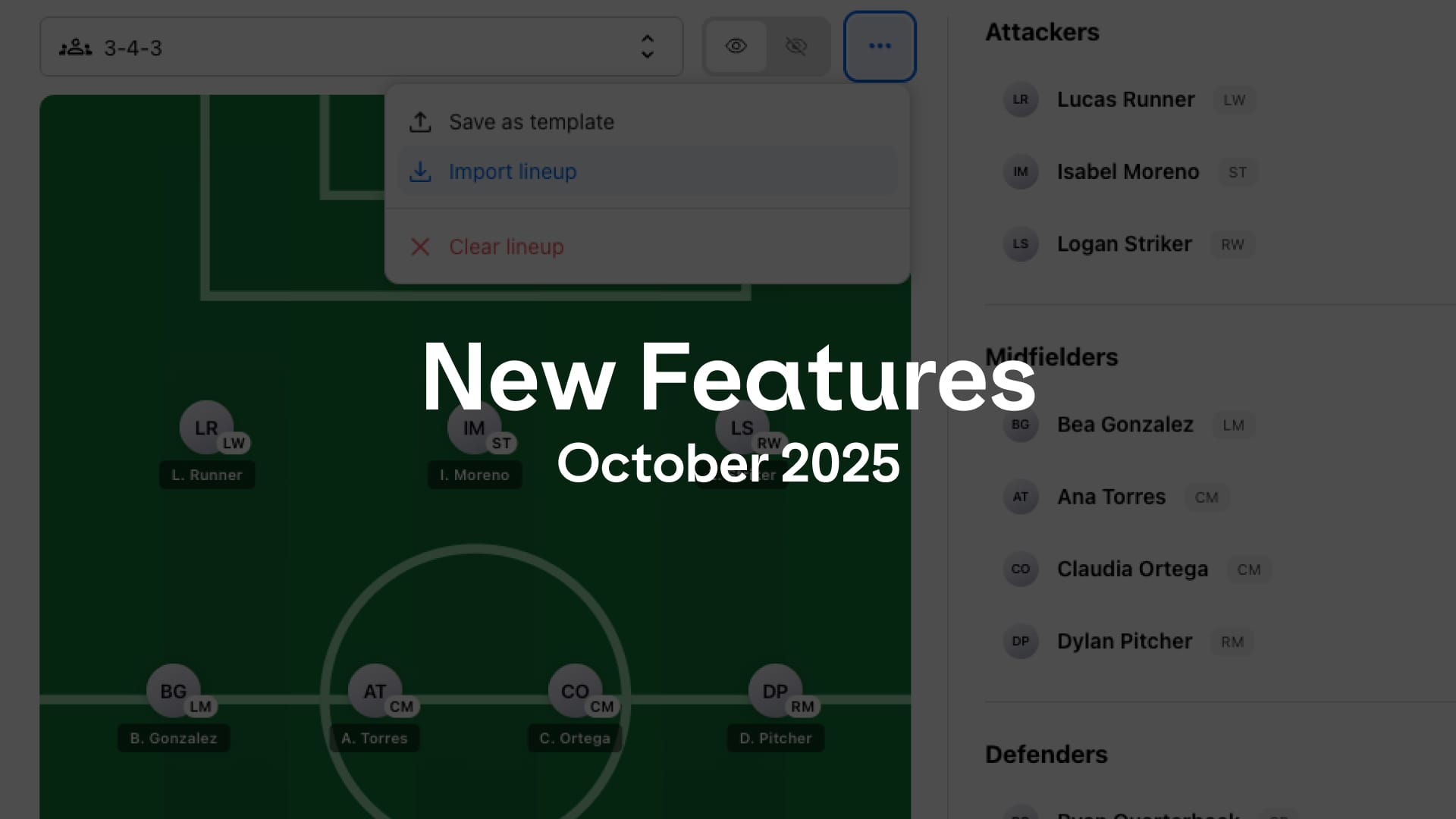
This release is packed with improvements that make managing and analyzing games smoother than ever. It also sets the stage for faster development in the feature.
Smarter game setup
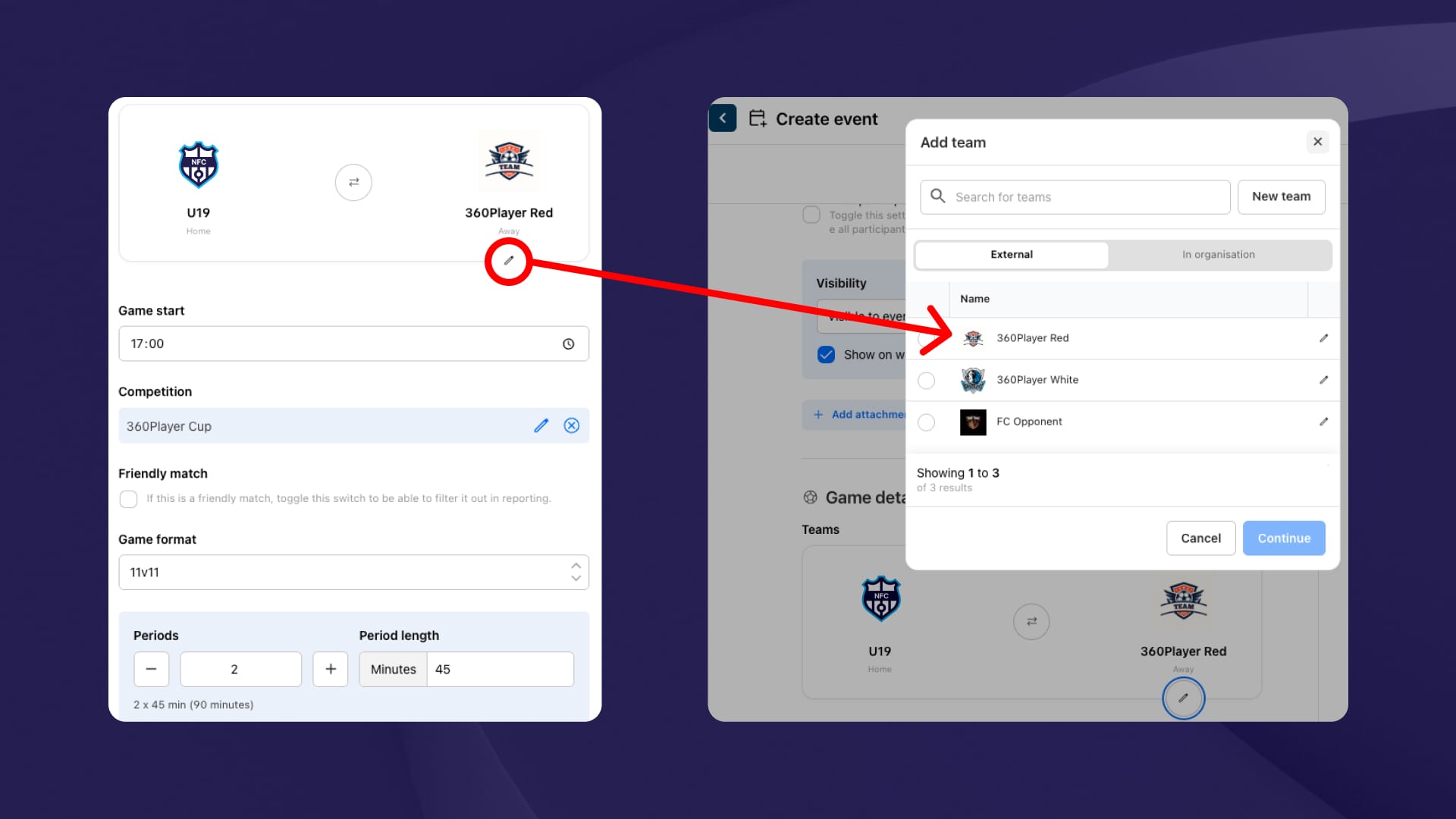
Setting up games is now more flexible and aligned with how teams actually play. Define the number of periods, period length, and game format to match your competition setup.
You can also create and manage opponents with names and logos instead of free text, keeping your match data organized and consistent.
Simplified stat entry
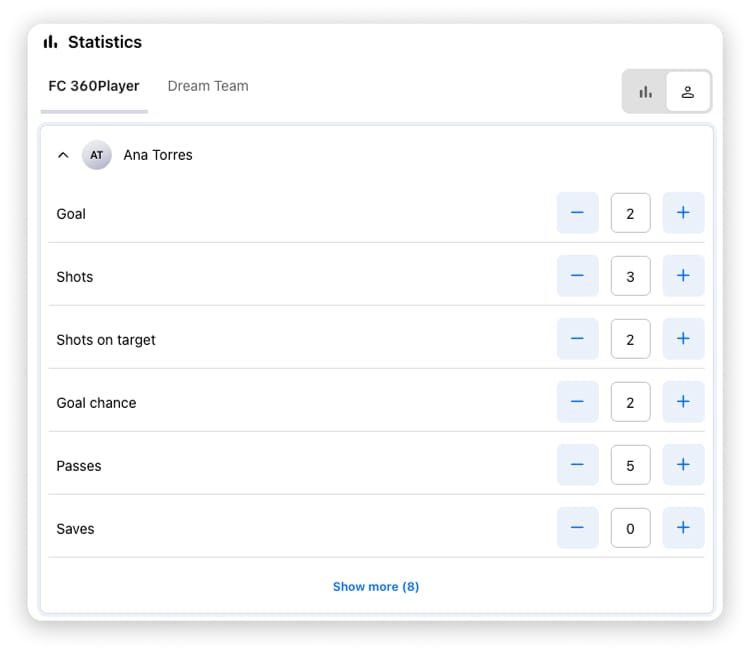
Capturing game data should be quick, accurate, and useful — and now it is.
Goals can be tagged with how they were scored, whether it’s from a corner, free kick, or penalty. The new player-based input lets you record multiple events like shots, passes, and corners for each player in one go.
With more detailed data, coaches and staff can analyze team performance trends, provide better feedback, and support player growth more effectively.
Improved lineup tool
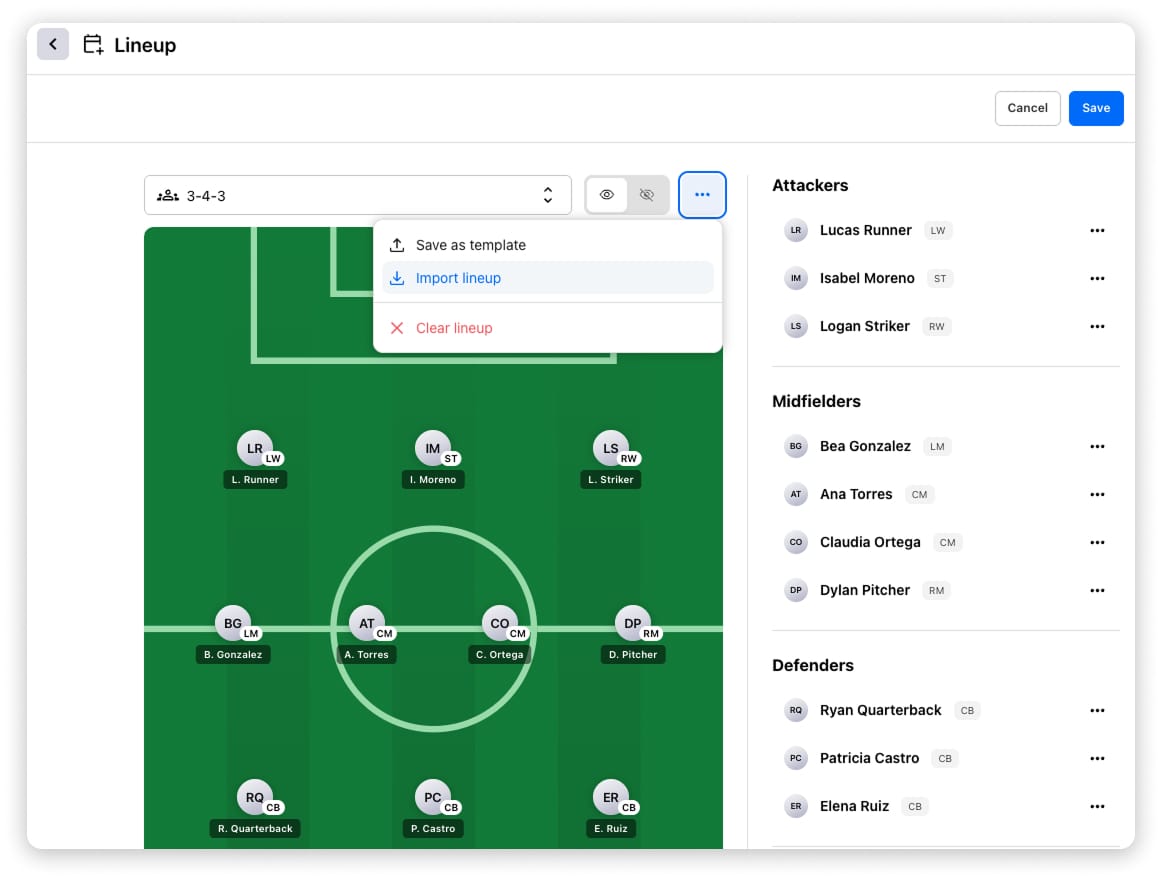
The lineup tool has received a major update with better data tracking and reusability.
- Use predefined formations based on the selected game format.
- Assign players to a lineup, save it as a template, or reuse lineups from previous games.
- This update also enables tracking of games started per player, giving a more complete overview of participation.
More accurate minutes tracking
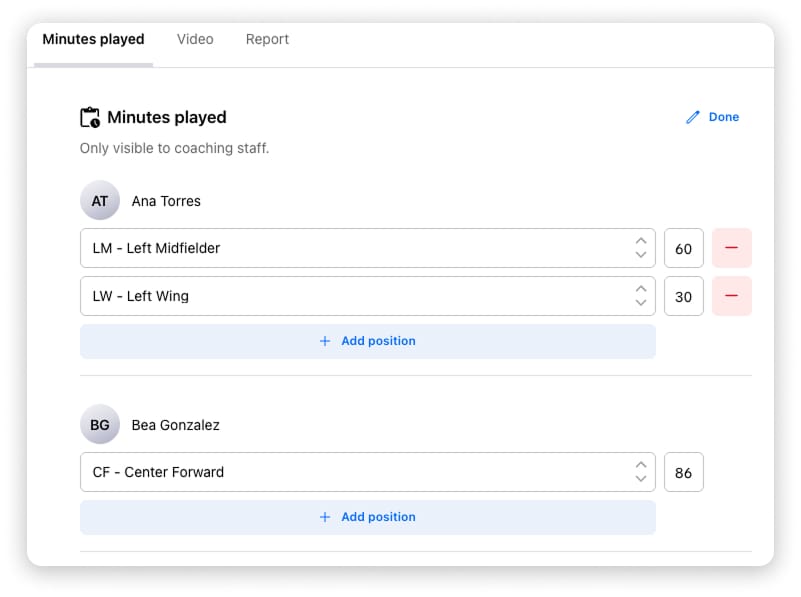
Minutes matter. You can now track playing time more precisely, even across multiple positions in the same game.
Fill in minutes manually or use the Distribute Minutes feature to automatically calculate playing time based on your lineup, substitutions, and game events.
New game statistics views
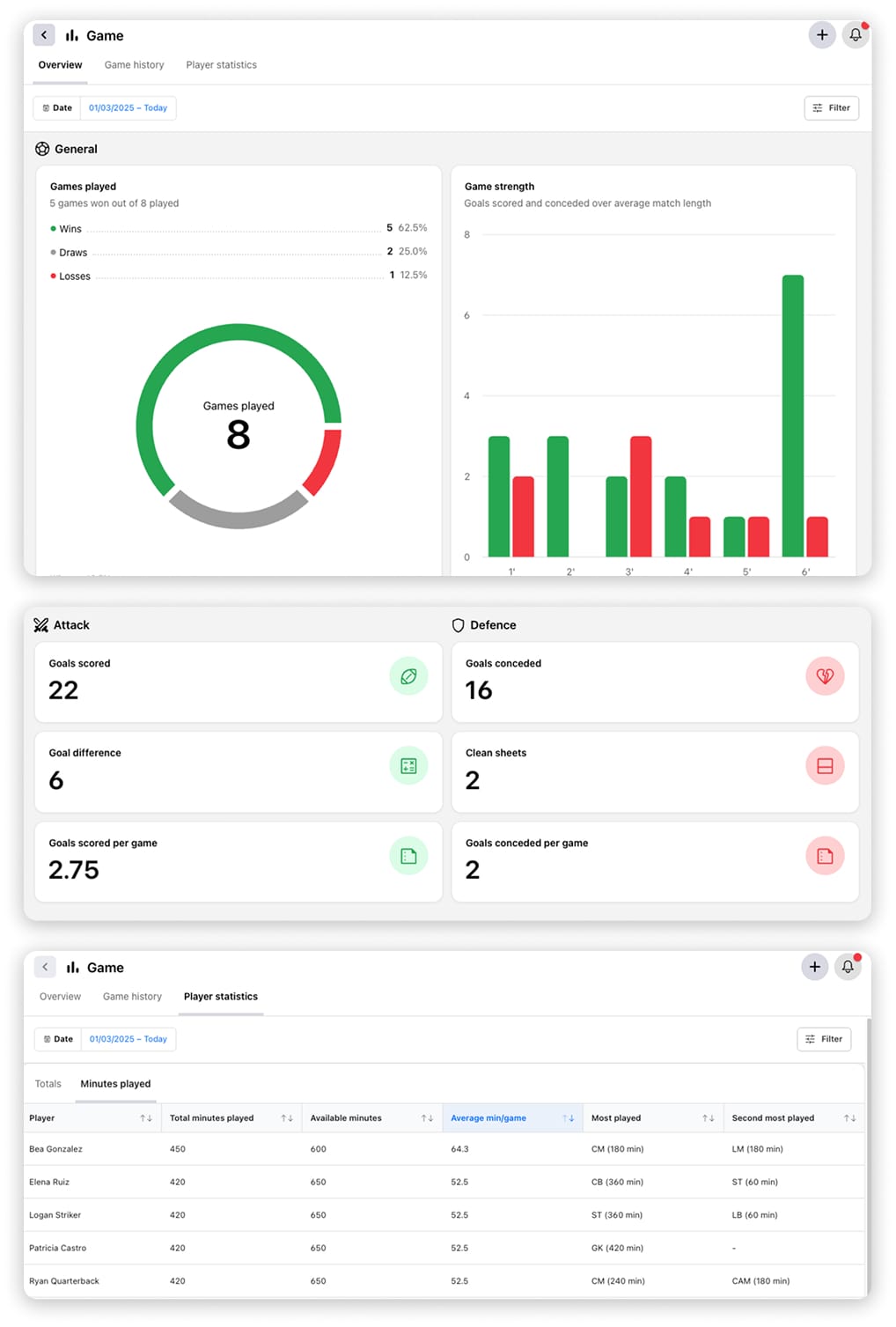
Understanding performance is key to improvement. We’ve added new views to make it easier to analyze results and progress:
- A team overview with key stats and player leaderboards.
- A game history table showing past results and team performance over time.
- A player statistics view with totals across matches and a detailed minutes analysis — including average time per game, availability, and most played positions.
This release introduces a solid foundation for the future of sport-specific data in 360Player. Football is just the beginning — more sports will follow soon as we continue expanding the framework.